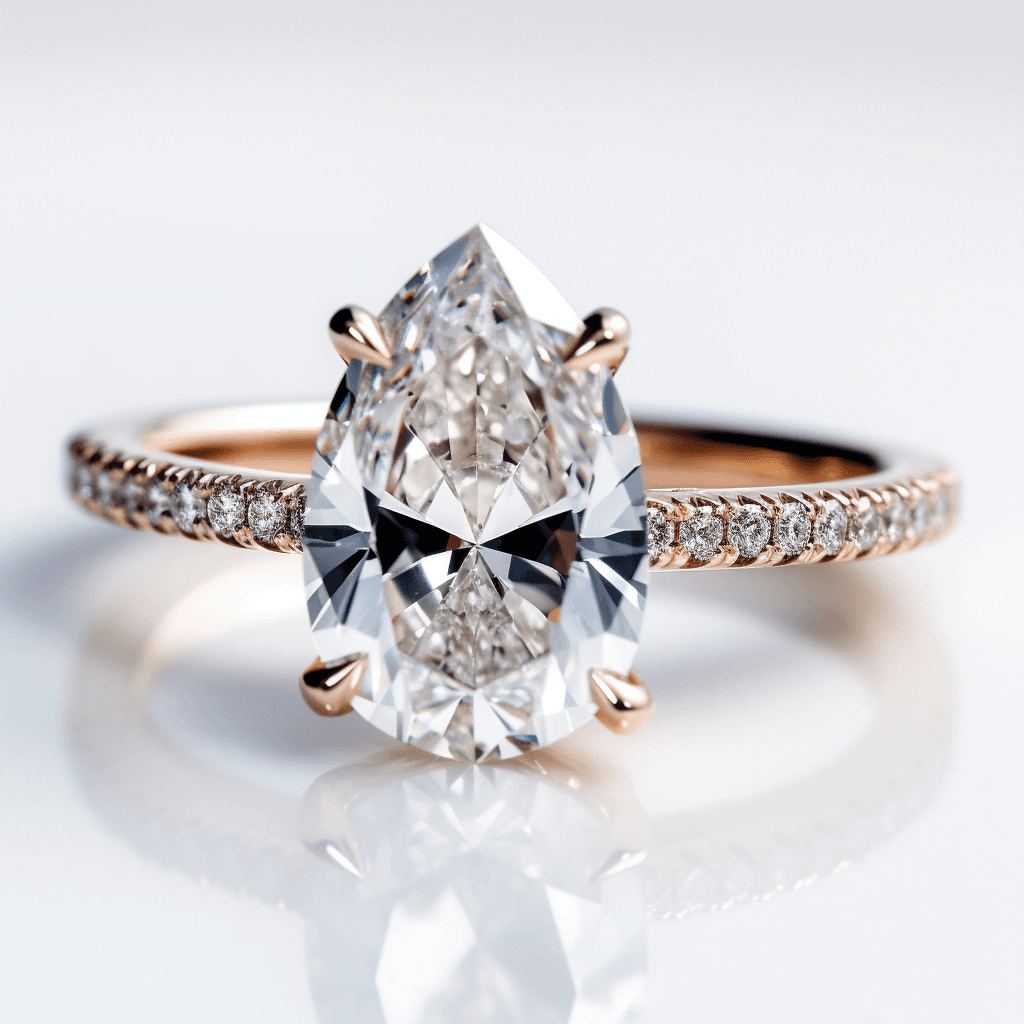
When we first wrote about designing a ring with AI in 2023, it meant learning a fiddly tool and a lot of trial and error. It has become much easier since. Several everyday AI assistants now make images from a plain description, and you can refine a design by simply asking for changes. What hasn't changed is the conclusion we reached then: AI is very good for finding out what you like, and a jeweller is still the person who makes it real.
What AI image tools are good for
- Finding your style. Many people know they want “something different” but can't say what. Seeing twenty variations in a few minutes shows you quickly what you are drawn to.
- Trying combinations. Oval or pear, yellow gold or platinum, halo or no halo — you can see them side by side before anyone spends money.
- Explaining yourself. A picture shows a jeweller in seconds what would take a long conversation to describe.
The tools to try are the general AI assistants that make images — ChatGPT, Google's Gemini — and dedicated image generators such as Midjourney. Most have a free way to try them, and paid plans that allow more images. They change often, so the best approach is to try one or two and use whichever gives you results you like.
How to write a good prompt
A prompt is the description you type. The more precisely it describes the ring, the closer the images get. Cover these, in roughly this order:
- The stone: its cut (round, oval, pear, emerald and so on) and that it is a colourless moissanite.
- The setting: solitaire, halo, three-stone; claws or a bezel; how many claws.
- The band: metal and colour, width, plain or set with small stones, any engraving or detail.
- The picture itself: ask for a product photograph on a plain background, or the ring on a hand, so the image is clear enough to show a jeweller.
Example prompts
Use these as a starting point and change the details:
- “A product photo of an engagement ring: a 1 carat oval colourless moissanite in a four-claw solitaire setting, thin plain yellow gold band, white gold claws, plain white background, soft studio lighting.”
- “A close-up photo of a woman's hand wearing a platinum engagement ring with a cushion-cut colourless moissanite surrounded by a halo of small round stones, pavé band, natural daylight.”
- “A vintage-style three-stone ring in rose gold: an emerald-cut centre stone with two smaller tapered stones either side, fine milgrain edges, photographed from above and from the side.”
- “A minimalist engagement ring with a pear-shaped colourless moissanite in a bezel setting on a slim brushed yellow gold band, shown from three angles.”
Then refine. Ask for one change at a time — “make the band thinner”, “same ring in white gold”, “six claws instead of four” — and keep the versions you like. If the tool lets you upload a picture, you can start from a ring you've seen and ask for variations on it.
The limits
AI images are useful, but it helps to know what they get wrong.
- They are pictures, not plans. An image has no measurements. A jeweller can't make a ring from it directly; they redraw it as a design they can build.
- Proportions are often off. Stones come out far larger than the carat you asked for, bands impossibly thin, claws too small to hold anything.
- Details don't always add up. Small stones may float with nothing holding them, or a halo may not meet the band. Some designs look lovely and simply can't be made or wouldn't survive daily wear.
- The stone won't look like the real one. AI draws a generic sparkle. It won't show you how a particular cut and size actually look on your hand.
Choose the real stone first
The centre stone sets the size of everything around it, so choose it before the ring is designed. Start with the cut you kept coming back to in your AI images, then pick a size. Every stone on our site is shown at true size on a hand, calibrated to your screen with a bank card — a far better guide to size than any AI image. Browse the ten cuts, and read our guide to moissanite for an engagement ring for help with cut, size and grade.
We sell loose moissanite in ten cuts, all DEF colourless and VVS clarity, with a certificate of authenticity and a lifetime warranty. We don't make rings; any good jeweller can set the stone.
Taking it to a jeweller
- Bring your best few images, not fifty. Point out what you like in each — “this band, that halo”.
- Bring the stone, or its details. The exact cut and millimetre size lets the jeweller design around the real thing.
- Know your ring size and budget. Our ring size guide helps with the first, and our engagement ring price guide with the second.
- Expect a drawing or 3D model back. Most jewellers who make custom rings will turn your idea into a proper design for you to approve before anything is made. Listen to their advice on what will wear well.
That is the real value of AI in ring design: you arrive at the jeweller knowing what you want, with pictures to show it, and a stone already chosen.
Can AI design an engagement ring?+
AI image tools can create pictures of engagement rings from a written description, which is a good way to explore ideas. The images aren't buildable designs, so a jeweller still needs to turn your chosen idea into a ring that can be made.
Is there a free AI ring designer?+
General AI assistants that make images, such as ChatGPT and Google's Gemini, can be tried free, with limits on how many images you can make. Dedicated image generators such as Midjourney usually need a paid plan for regular use.
What should I put in an AI engagement ring prompt?+
Describe the stone's cut and colour, the setting (solitaire, halo, three-stone; claws or bezel), the band's metal and width, and how you want it pictured, such as a product photo on a plain background. Then ask for one change at a time.
Can a jeweller make a ring from an AI image?+
Yes, as a reference. A jeweller will redraw the idea as a proper design with real measurements, correcting proportions and details that the AI got wrong, and show it to you before anything is made.
Should I choose the stone before designing the ring?+
Yes. The centre stone sets the size of the setting and the proportions of the whole ring. Choose its cut and size first, ideally seeing it at true size on a hand, then have the ring designed around it.